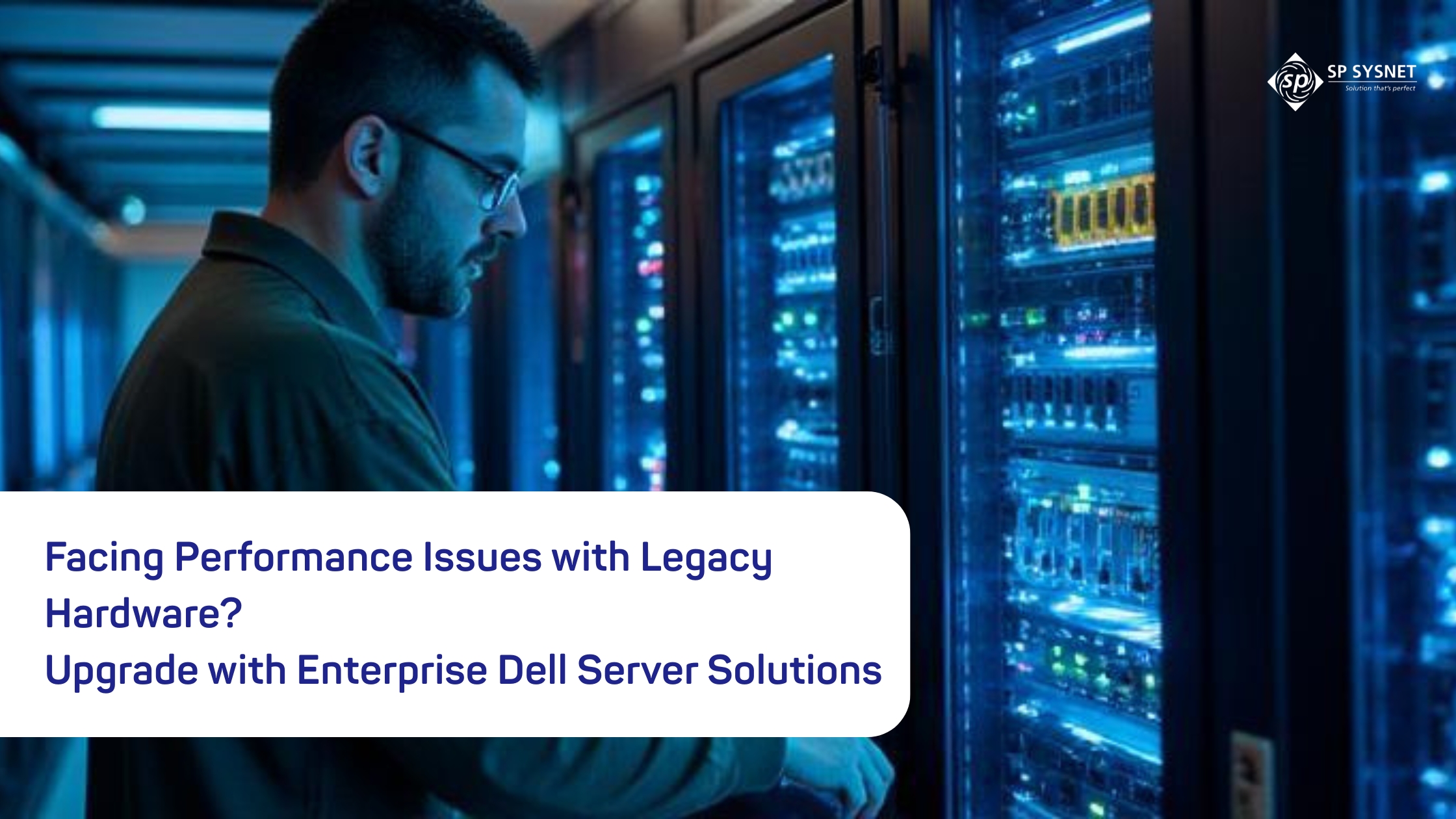

If your business systems have started slowing down, applications take longer to load, or your IT team is constantly fixing server issues, your old hardware could be the reason.
Many businesses continue using the same servers for years because they still “work.” But over time, those systems become slower, harder to maintain, and less capable of handling modern business applications. What may have been a reliable server five or six years ago can now become a major obstacle to productivity.
That’s why many organizations are choosing to upgrade their infrastructure with the help of experienced Dell Servers service providers like SP Sysnet. A well-planned server upgrade doesn’t just replace old hardware—it gives your business a stronger foundation for growth.
The Hidden Cost of Holding On to Old Servers
Keeping older servers might seem like a way to save money, but in reality, they often end up costing more.
As hardware ages, breakdowns become more frequent. Spare parts become difficult to find, maintenance takes longer, and unexpected downtime starts affecting daily operations. Employees spend more time waiting for systems to respond, and your IT team spends more time fixing problems instead of working on improvements.
Older servers also struggle with today’s workloads. Whether you’re running virtual machines, cloud-connected applications, large databases, or business software, outdated hardware simply isn’t designed for the demands of modern IT environments.
Instead of helping your business move forward, legacy hardware often slows everything down.
Why Upgrading Is More Than Just Buying New Hardware
A successful server upgrade isn’t simply about replacing an old machine with a new one.
Every business has different requirements. Some need more storage, while others require better processing power, improved security, or support for virtualization. That’s where experienced Dell Servers service providers make a real difference.
Rather than recommending the most expensive server, they first understand how your business operates. They review your current infrastructure, identify performance issues, and recommend a solution that matches both your current needs and future plans.
This approach helps businesses avoid unnecessary spending while ensuring they get the performance they actually need.
What Happens During a Server Upgrade?
Many business owners worry that upgrading servers will lead to long periods of downtime. In reality, when the process is planned properly, the transition is usually much smoother than expected.
A typical server upgrade includes:
- Reviewing your existing infrastructure and workloads.
- Finding the areas where performance is slowing down.
- Choosing the right Dell server configuration.
- Planning data migration carefully to reduce downtime.
- Installing, configuring, and testing everything before it goes live.
By following a structured approach, businesses can continue operating with minimal disruption while moving to a more reliable infrastructure.
Why Dell Enterprise Servers Continue to Be a Popular Choice
Dell enterprise servers have built a strong reputation because they’re reliable, scalable, and designed for demanding business environments.
Modern Dell PowerEdge servers offer powerful processors, larger memory capacity, faster NVMe storage, redundant power supplies, and built-in remote management tools. These features help businesses improve performance while making server management much easier.
Another big advantage is scalability.
As your business grows, you can often expand memory, storage, or processing power without replacing the entire server. That flexibility helps protect your investment and keeps your infrastructure ready for future growth.
Supporting High-Performance Business Applications
Not every company has the same infrastructure requirements.
For example, financial firms often rely on High frequency trading servers where even tiny delays can affect thousands of transactions. These environments require extremely fast processors, optimized memory, and ultra-low latency networking.
While most businesses don’t need that level of performance, the same enterprise-grade server technology is valuable for organizations running ERP software, virtualization platforms, AI applications, business analytics, large databases, or other critical workloads.
Choosing the right server means matching hardware to your actual business needs instead of simply buying the biggest or most expensive system available.
Things to Consider Before Upgrading Your Servers
Before investing in new infrastructure, it’s worth taking a closer look at how your current environment is performing.
Ask yourself a few simple questions:
- Are your servers running out of CPU or memory resources?
- Is storage becoming a limitation?
- Will your business need more computing power over the next few years?
- Are your backup and disaster recovery plans strong enough?
- Do you plan to expand into virtualization or cloud services?
- Are your current servers meeting today’s security requirements?
Answering these questions helps you make smarter infrastructure decisions instead of reacting only after hardware starts failing.
The Bottom Line
Your servers are the backbone of your business. When they’re slow, outdated, or unreliable, every department feels the impact.
Upgrading your infrastructure doesn’t just improve performance—it increases reliability, strengthens security, reduces maintenance costs, and prepares your business for future growth.
Working with experienced Dell Servers service providers like SP Sysnet makes the process much easier. From assessing your existing environment to planning migration and deployment, the right partner helps you build an IT infrastructure that supports your business today and scales with you tomorrow.
Frequently Asked Questions
1. How do I know it’s time to replace my old servers?
If your servers are experiencing frequent failures, slowing down daily operations, becoming expensive to maintain, or no longer supporting modern software and security updates, it’s probably time to consider an upgrade.
2. Why should I work with Dell Servers service providers instead of buying hardware directly?
A trusted service provider doesn’t just supply hardware. They assess your business needs, recommend the right server configuration, manage installation, migrate your data safely, and provide ongoing support after deployment.
3. Are Dell enterprise servers good for virtualization?
Yes. Dell PowerEdge servers are widely used for virtualization because they offer powerful processors, large memory capacity, flexible storage options, and management tools that make running virtual environments much easier.
4. Who typically uses High frequency trading servers?
They’re commonly used by financial trading firms where every millisecond matters. However, businesses running real-time analytics, large databases, AI workloads, and other performance-intensive applications can also benefit from similar high-performance server infrastructure.
5. How can businesses reduce downtime during a server upgrade?
The key is proper planning. Assessing workloads, backing up data, testing the new environment, and carrying out a phased migration with the support of experienced IT professionals helps keep downtime to a minimum.