

Moving IT infrastructure to a new data centre is not simply a matter of switching everything off, transporting the equipment, and turning it back on.
For businesses preparing for SGX relocations to Keppel DC, one of the first decisions to make is also one of the most important: should you move your existing servers, or is it a better time to replace some of them?
There is no single answer. It depends on the age, condition, performance, workload, and future requirements of your infrastructure.
Start With the Servers You Already Have
Before ordering new equipment, take a proper look at your current server environment.
Some servers may still have plenty of useful life left. If they are performing reliably, support the required applications, and fit the power and space requirements of the new facility, moving them may make perfect sense.
On the other hand, older equipment can become a problem during a relocation. A move is often a good opportunity to identify hardware that has reached the end of its useful life, is difficult to support, or no longer provides the performance your business needs.
The goal is not to replace everything. It is to make the right decision for each piece of equipment.
When Does Replacing Servers Make More Sense?
There are a few warning signs worth looking at during Relocation planning.
If a server is already showing performance problems, has limited support availability, consumes more power than newer hardware, or cannot handle your expected workload, moving it to the new data centre may only postpone the problem.
The same applies if your business is expecting higher transaction volumes, new applications, increased connectivity requirements, or more demanding workloads after the relocation.
Replacing selected equipment before the move can mean fewer disruptions later.
When Should You Move Existing Servers?
Keeping your existing servers can be the better choice when the hardware is relatively new, stable, supported by the manufacturer, and still capable of handling your workloads.
Budget is another factor. Replacing a large server environment simply because the business is changing data centres may not provide enough value.
In some cases, a combination works best: retain reliable equipment, replace aging servers, and add new hardware where additional capacity is needed.
How Should SGX Relocation Planning Be Handled?
A successful relocation starts well before the actual moving day.
Create a complete equipment list and identify which servers, switches, storage systems, time servers, FPGA products, optics, DAC cables, and other infrastructure will be moved, refreshed, or replaced.
It is also important to confirm rack space, power requirements, connectivity, cabling, and the expected migration window.
For businesses handling SGX Relocation, even small gaps in planning can create unnecessary delays. The new environment should be prepared before equipment arrives, so installation and testing can happen in a controlled sequence.
Keppel’s Genting Lane campus includes Keppel DC Singapore 7 and 8, with the facilities positioned as high-availability data-centre infrastructure.
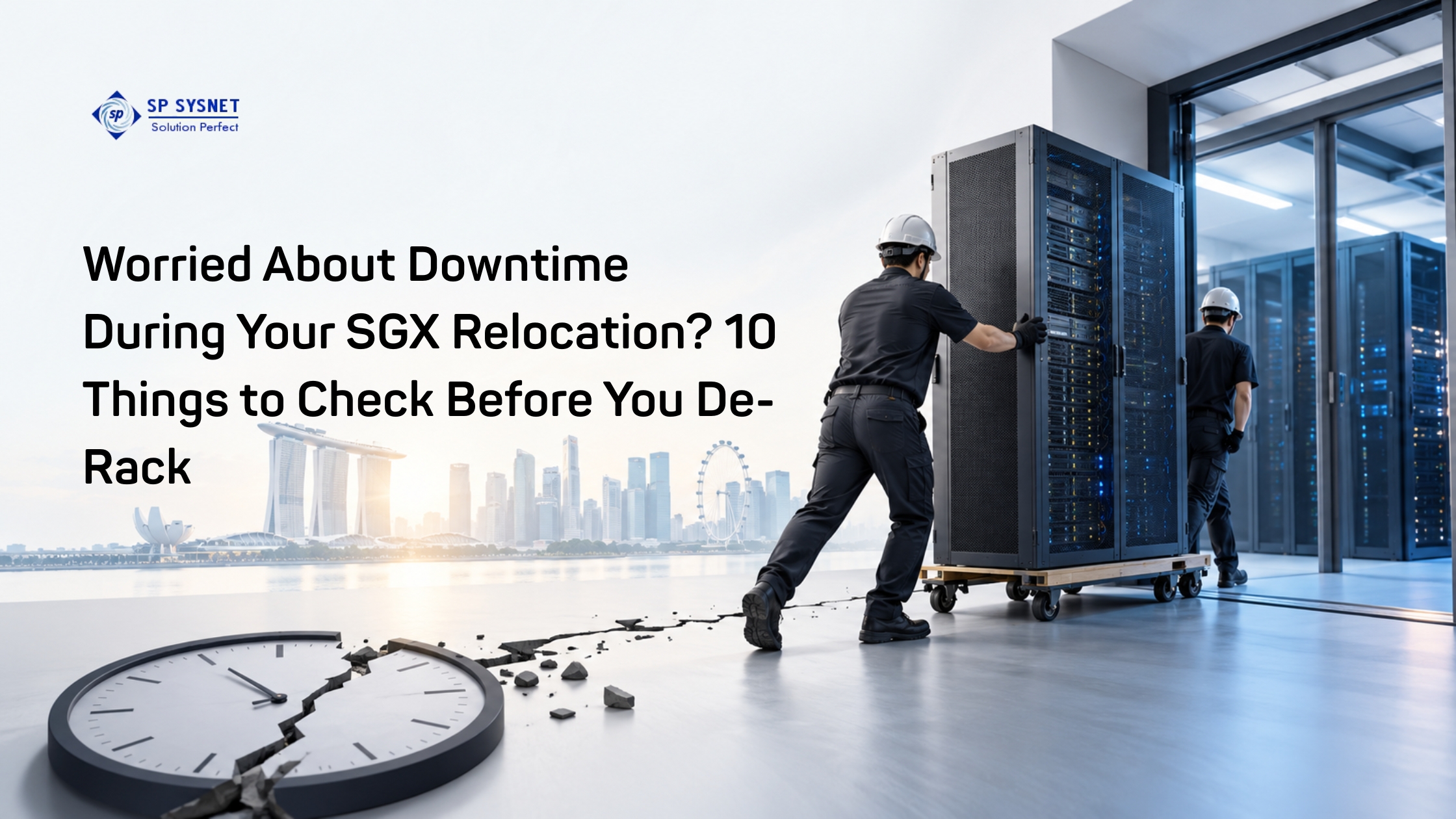
Read More: Worried About Downtime During Your SGX Relocation? 10 Things to Check Before You De-Rack
What About Testing After the Move?
Getting the hardware into the new rack is only part of the job.
Once the equipment is installed, teams should check power, network connectivity, cabling, system health, application access, and communication between critical systems.
A proper post-move validation helps identify issues before normal operations fully resume.
For complex environments, having an experienced infrastructure partner handle de-racking, transportation, re-racking, re-cabling, installation, commissioning, and connectivity testing can make the process much easier.
SP Sysnet supports businesses with infrastructure procurement and professional services, helping customers assess existing equipment and plan practical hardware and relocation requirements.
Is Relocating an Opportunity to Upgrade?
Absolutely.
A data-centre move gives businesses a natural point to review infrastructure that may have been left untouched for years.
Instead of asking only, “Can we move this server?”, ask a bigger question: “Will this server still be the right choice for us after the move?”
That small change in thinking can help avoid carrying outdated infrastructure into a new environment.
For companies preparing for SGX relocations to Keppel DC, the best approach is usually a balanced one—move what still performs well, replace what has reached its limits, and prepare the new environment before the relocation window.
SP Sysnet can support this process with hardware, infrastructure, relocation, installation, and ongoing IT services, helping businesses make the move with less uncertainty and better preparation.
Frequently Asked Questions
Should I replace all my servers before relocating to Keppel DC?
No. Replacing everything is not always necessary. Servers that are reliable, supported, and capable of handling future workloads can usually be considered for relocation. Older or underperforming equipment should be reviewed for replacement.
What should be checked before moving servers?
Check server age, performance, warranty or support status, power consumption, application requirements, storage, connectivity, rack space, and future capacity requirements.
What does SGX relocation planning involve?
It can include equipment assessment, inventory preparation, rack and power planning, relocation scheduling, transportation, re-racking, cabling, installation, commissioning, connectivity testing, and post-move support.
Is it better to replace servers before or after relocation?
If equipment is already due for replacement, upgrading before the move can reduce the need for another infrastructure change shortly afterward. However, the timing depends on procurement, testing, application dependencies, and the relocation schedule.
Can existing servers and new servers be used together?
Yes. Many businesses use a mixed approach where suitable existing equipment is retained while aging or insufficient hardware is replaced with newer systems.
How can businesses reduce downtime during a data-centre relocation?
Detailed preparation, accurate equipment inventories, pre-configured hardware, clear migration sequencing, proper cabling plans, and thorough testing can all help reduce downtime and unexpected issues.