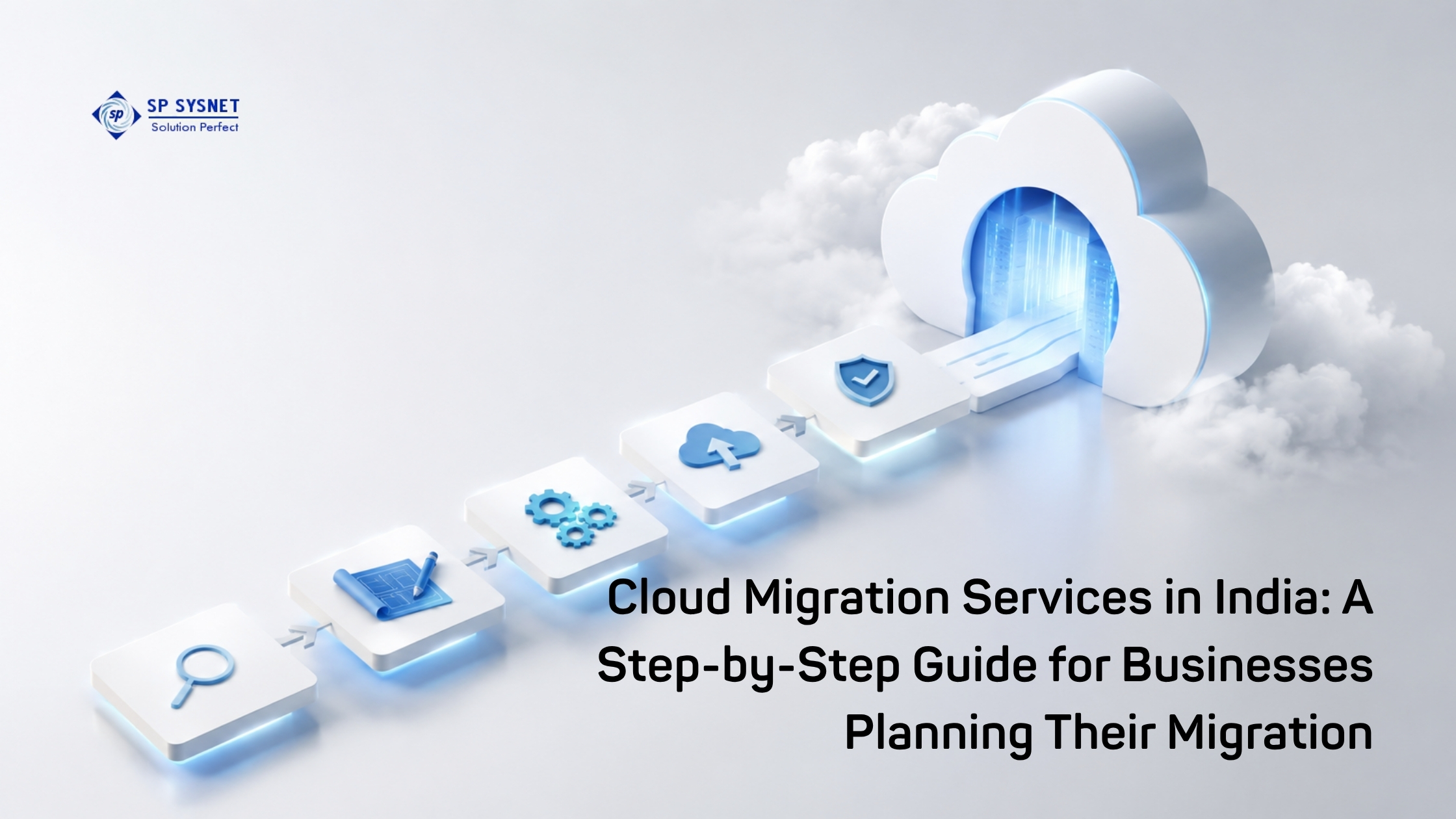

Moving business IT infrastructure to the cloud can bring more flexibility, easier scaling, and better access to modern technology. But the actual migration is where things can get complicated.
Applications may depend on specific servers. Databases may need to stay connected. Employees still need access to business systems while the move is happening. And nobody wants a migration to create unexpected downtime.
That is why a cloud migration should be treated as a business project, not simply an IT upgrade.
For businesses planning their move, here is a practical look at how Cloud migration Services in India can be approached from start to finish.
Start With a Clear Reason for Moving to the Cloud
Before looking at cloud platforms or migration tools, first ask a simple question: What do you want to achieve by moving to the cloud?
For some businesses, the goal may be to reduce dependence on physical servers. Others may want easier scalability, better disaster recovery, faster application deployment, or support for remote teams.
Having clear goals makes later decisions much easier. Microsoft also recommends connecting cloud adoption plans with measurable business outcomes rather than treating cloud adoption as a technology project alone.
Assess Your Existing IT Environment
The next step is understanding what you already have.
This includes servers, applications, databases, storage, users, network connections, and important integrations. It is also important to identify which applications depend on each other.
This stage often reveals systems that are outdated, unused, or more complicated than expected.
A proper assessment gives your team a realistic picture of what should move, what may need changes, and what might be better left where it is.
Choose the Right Migration Approach
Not every application needs the same migration strategy.
Some workloads can be moved almost as they are through a rehost or “lift and shift” approach. Others may benefit from small improvements before moving, known as replatforming. More complex applications may need to be redesigned or modernized.
The right choice depends on the application’s importance, technical dependencies, performance requirements, budget, and long-term plans.
Trying to move everything using one approach can create unnecessary cost and risk.
Select the Cloud Platform and Prepare the Environment
Once workloads are assessed, businesses can select the cloud environment that fits their requirements.
The decision may depend on existing technology, application compatibility, security requirements, location, pricing, and internal IT skills.
Before moving production workloads, the cloud environment should also be prepared. This can include networking, identity and access management, security controls, monitoring, backups, and governance.
Working with an experienced cloud services provider can help businesses plan these elements before the migration begins.
Move Workloads in Phases
A “move everything at once” approach can be risky, especially for businesses running critical applications.
A phased migration is often easier to control. Start with a suitable workload, test it properly, learn from the process, and then move to the next group.
For critical systems, businesses should also plan their cutover and rollback process carefully. Migration guidance from Microsoft highlights the importance of documented runbooks, testing, data migration planning, and a controlled cutover.
Test Before Switching Completely
Migration is not finished just because an application is running in the cloud.
Teams should check application performance, connectivity, user access, data consistency, security, backups, and integrations. Business users should also confirm that the applications work as expected.
Testing gives the business an opportunity to fix problems before customers or employees depend on the new environment.
Read More: Cloud Computing Services in APAC: Trends Shaping Regional Enterprises
Monitor, Optimize and Keep Improving
After migration, the work continues.
Cloud environments need ongoing monitoring and optimization. Businesses should review resource usage, performance, security, backups, and cloud spending regularly.
This is particularly important because simply moving an inefficient workload to the cloud does not automatically make it efficient.
A good migration should create an environment that can be managed and improved over time—not just a new place to host the same old problems.
Why Choose the Right Cloud Migration Partner?
Cloud migration involves much more than moving data from one location to another. It involves infrastructure, applications, networking, security, users, business continuity, and ongoing management.
SP Sysnet helps businesses approach cloud infrastructure with a practical focus, from planning and infrastructure requirements to professional implementation and ongoing IT support.
For companies looking for Cloud migration Services in India, having the right technical partner can make the process more organized, reduce migration risks, and help ensure that the new cloud environment supports actual business requirements.
Frequently Asked Questions
What are cloud migration services in India?
Cloud migration services help businesses move applications, data, servers, and IT workloads from on-premises infrastructure or another environment to a cloud platform. Services can include assessment, planning, architecture, migration, testing, security, and post-migration support.
How long does a cloud migration take?
There is no fixed timeline. A small workload may be migrated relatively quickly, while a large business environment with multiple applications, databases, and dependencies can take considerably longer. The number and complexity of workloads are major factors.
Should a business move everything to the cloud?
Not necessarily. Some workloads may be better suited to the cloud, while others may need to remain on-premises or operate in a hybrid environment. The decision should be based on business requirements, application dependencies, security, performance, compliance, and cost.
How can businesses reduce cloud migration risks?
Start with a detailed assessment, identify dependencies, choose the right migration approach for each workload, test before cutover, maintain backups, and have a rollback plan. A phased migration can also reduce the risk of disrupting critical business operations.
How do I choose a cloud services provider in India?
Look for a provider that understands your existing infrastructure, can assess workloads before migration, provides clear planning and documentation, understands security and connectivity requirements, and can support the environment after migration—not just during the move.