
Moving business applications and data to the cloud sounds straightforward until you actually start looking at everything connected to your existing IT environment.
There are applications that depend on specific servers, databases that need to stay available, employees who cannot afford long service interruptions, and business data that has to be moved carefully. A rushed migration can create more problems than it solves.
That is why businesses planning a cloud move need to think beyond simply choosing a cloud platform. The planning, preparation, migration method, testing, and support after the move all matter.
Start With Your Existing IT Environment
Before moving anything, take a close look at what you already have.
Which applications are business-critical? Where is your data stored? Which systems communicate with each other? How much downtime can each application actually tolerate?
A proper assessment can uncover dependencies that may not be obvious at first. It also helps businesses decide which workloads should move first and which ones may need to be modernized before migration.
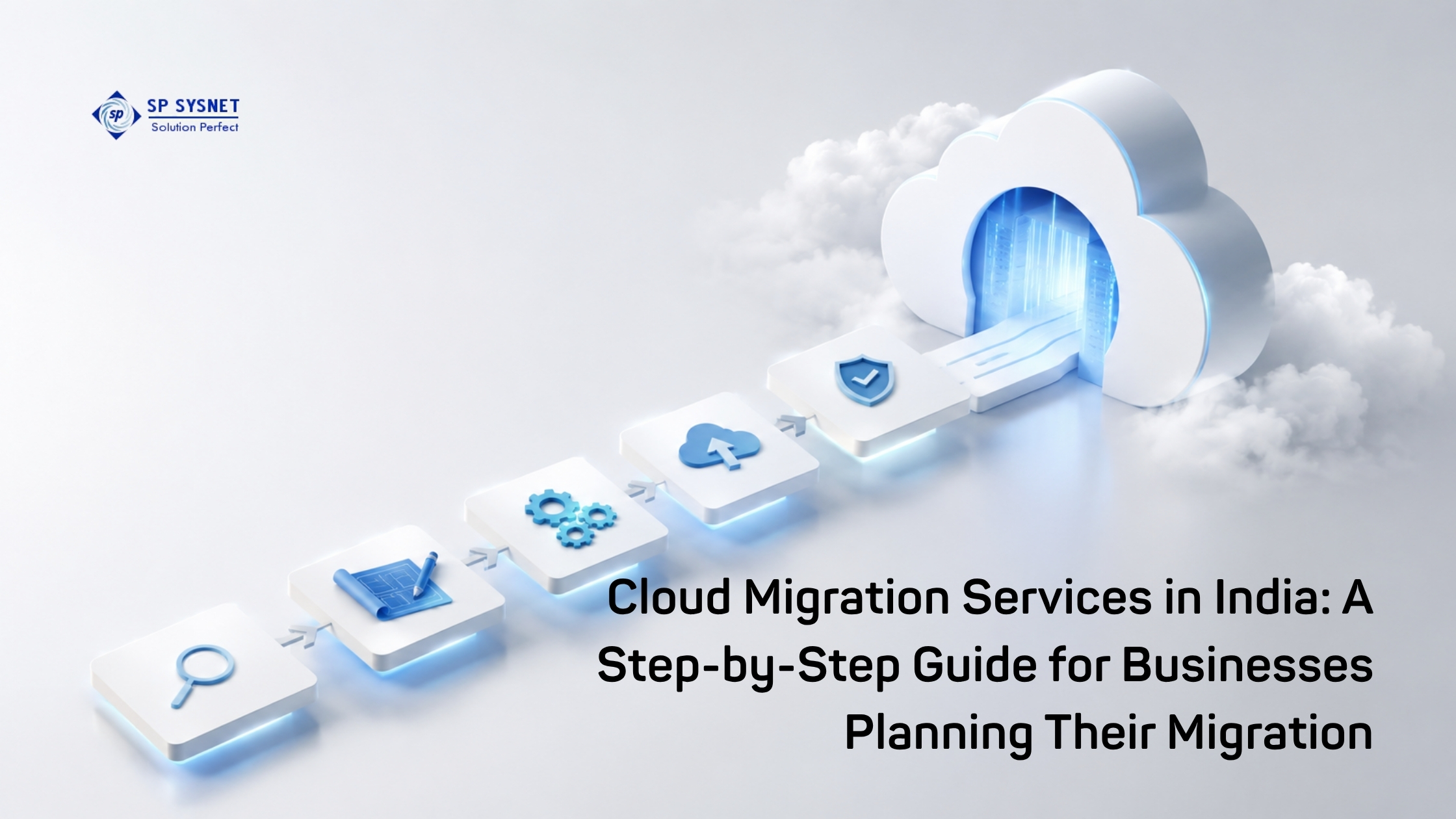
A practical migration plan normally starts with discovering applications, servers, data, and dependencies before deciding how each workload should be handled.
Read More: Cloud Migration Services in India: A Step-by-Step Guide for Businesses Planning Their Migration
Not Every Workload Needs the Same Migration Strategy
One common mistake is assuming that everything should be moved in exactly the same way.
Some applications can be moved with minimal changes through a rehost approach. Others may benefit from replatforming, while older or more complex applications may need modernization or refactoring.
The best option depends on the workload, its business importance, technical dependencies, budget, and expected performance after migration.
This is where experienced Cloud Migration Services in Singapore can make the planning process easier. Instead of treating every application equally, a migration partner can help businesses prioritize workloads and create a realistic migration sequence.
How Can Businesses Avoid Unnecessary Downtime?
For many businesses, this is the biggest concern.
The answer is careful preparation. Critical workloads may require replication, testing, a controlled cutover window, and a rollback plan. Less critical systems may be migrated during scheduled maintenance periods.
Microsoft’s migration guidance distinguishes between planned-downtime and near-zero-downtime approaches depending on workload criticality and tolerance for interruption. It also recommends defining rollback procedures before migration begins.
A good migration plan should therefore answer a few basic questions before the move starts:
- When will the migration happen?
- Who is responsible for each activity?
- What happens if something goes wrong?
- How will users be affected?
- How quickly can the previous environment be restored?
These details may not sound exciting, but they are often what separates a smooth migration from a stressful one.
Security Should Be Planned Before the Migration
Security should not be something added after the workload reaches the cloud.
Identity and access controls, data encryption, backup policies, monitoring, network configuration, and user permissions should be considered as part of the migration plan.
Businesses should also review who has access to important systems and whether existing permissions are still appropriate in the new environment.
Building these controls early can prevent having to redesign the environment later. AWS migration guidance similarly recommends establishing security, identity, logging, backup, and governance controls before scaling migration waves.
Why Is a Phased Migration Often Better?
Moving everything over one weekend may sound faster, but it can also increase the risk.
A phased approach gives the IT team an opportunity to test the process with lower-risk workloads first. Once the team understands what works—and what needs changing—the next migration waves can be handled with greater confidence.
This approach also makes it easier to monitor performance, user experience, data integrity, and connectivity after each move.
AWS recommends migrating workloads in waves and measuring the results rather than treating migration as one large, single event.
What Should You Look for in a Cloud Migration Partner?
Technology knowledge is important, but businesses should look at the bigger picture too.
A good provider should understand your existing infrastructure, business priorities, application dependencies, security requirements, and acceptable downtime. They should also be able to support testing, cutover, troubleshooting, and post-migration optimization.
Choosing Cloud Migration Services in Singapore from a provider that can support the wider IT environment can make the transition much easier to manage.
The Migration Does Not End After the Cutover
Once applications are running in the cloud, the job is not finished.
Teams should continue checking performance, resource usage, security, backups, availability, and cloud spending. Some workloads may need to be resized or optimized once real usage patterns become clearer.
This ongoing review is important because the goal of cloud migration is not simply to move workloads somewhere else. The real goal is to create an IT environment that is easier to operate, more flexible, and better aligned with the business.
A Better Way to Approach Cloud Migration
Cloud migration does not have to disrupt normal business operations. With proper assessment, realistic planning, workload prioritization, testing, and a clear cutover and rollback process, businesses can make the move in a controlled way.
For businesses considering Cloud Migration Services, the right approach is to start with the business requirements and existing IT environment, then build the migration strategy around them.
That way, the cloud becomes a useful step forward for the business—not another complicated IT project to manage.
Frequently Asked Questions
What are Cloud Migration Services in Singapore?
Cloud Migration Services in Singapore help businesses move applications, data, servers, and other IT workloads from on-premises infrastructure or another environment to the cloud. The services can include assessment, migration planning, workload migration, testing, security, and post-migration support.
How can businesses migrate to the cloud without disrupting operations?
Businesses can reduce disruption by assessing workloads first, identifying dependencies, choosing the right migration strategy, testing applications, and scheduling controlled cutovers. A phased migration can also help reduce risk by moving workloads in manageable groups.
How long does a cloud migration take?
The timeline depends on the size and complexity of the IT environment. A small migration may take weeks, while businesses with multiple applications, databases, locations, and dependencies may require a longer phased approach.
What should businesses look for in Cloud Migration Services?
Businesses should look for experience with infrastructure assessment, workload planning, cloud architecture, security, data migration, testing, and ongoing support. The provider should also understand the company’s downtime requirements and business priorities.
Is cloud migration suitable for every business application?
Not necessarily. Some applications can move directly to the cloud, while others may need modernization or may be better suited to a hybrid environment. Each workload should be assessed based on performance, dependencies, security, cost, and business importance.
What happens after a business completes its cloud migration?
Post-migration work typically includes monitoring performance, reviewing security, managing backups, optimizing cloud resources, and controlling costs. Ongoing management helps ensure the cloud environment continues to meet changing business requirements.